ABLE release notes for November 11, 2024
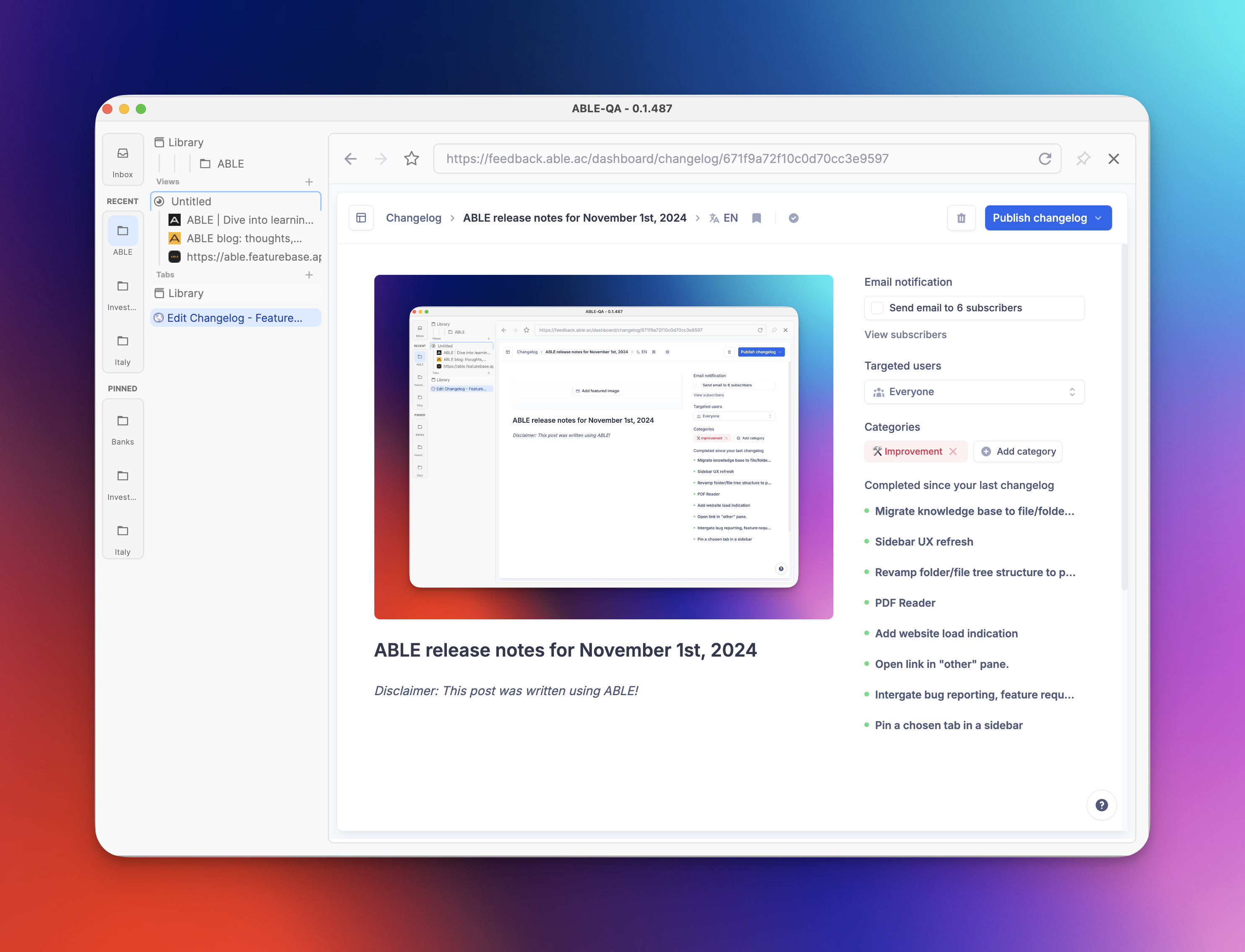
Disclaimer: This post was written using ABLE!
Long time since the last update, ABLE users? Well, the wait is over! 😎
Today, we’re rolling out a massive update that takes your ABLE experience to a whole new level. With powerful new tools and a smooth, upgraded interface, managing your digital spaces just got easier and smarter. Let’s dive into what’s fresh and fantastic in this release!
🌟 Major Update: Knowledge Base Overhaul and Context Sharing! 🌟
This release brings a complete transformation to how you organize and protect your data. We’ve redesigned the folder and file tree structure to pave the way for a future files database, making everything cleaner and more efficient. The highlight? Your knowledge base is now built on a file/folder system with markdown support. All your data is saved as markdown files, giving you total freedom to access it anywhere, edit it in other markdown apps, and back it up to local or cloud storage.
With Multi-Vault capabilities, you can create unlimited folders that act as individual vaults—perfect for separate projects or personal/professional organization. And the file structure on your computer mirrors ABLE’s layout, so it’s as intuitive as it gets!
And here’s the real game-changer: Custom Contextual Views. You can now create, save, and export your contextual views, organizing them as you like. Want to share your context setups with others? Just zip the relevant folder in your OS, and it’s ready to go. Importing them into your app is just as easy - copy/unzip to desired location of your vault and you're ready to go. This feature opens up a new world for creating and sharing templates of contexts—perfect for collaborative work or personalized setups!
🌟 Feature Lineup You’ll Love 🌟
We’re not stopping there; here are a few more tools to make your ABLE experience even better:
• Website Load Indicator: Instantly know when a page is ready, keeping you in the loop.
• Open Links in the “Right” Pane: Gain more control over where links open to keep your workflow uninterrupted.
• Pin Tabs to the Sidebar: Keep your key tabs just a click away with easy sidebar pinning.
🐛 Fixes and Quality of Life Improvements! 🐛
No update is complete without some polish:
• Sidebar Revamp: A fresh, streamlined sidebar for smooth navigation.
• Updated “Views” Experience: Your last positions, open tabs, files, and folders are now saved so you can pick up right where you left off.
• Better Compatibility: Resolved issues with a few websites for seamless browsing.
• Added Quick Actions Buttons: Small changes with big impact on usability.
And that’s a wrap on this powerful update! With these new tools and a host of quality improvements, ABLE is more flexible, intuitive, and capable than ever.
And from now on we promise that we will roll out new updates and features on a much more frequent basis. Let us know what you think—your feedback helps us keep ABLE at the top of its game. 😁