Introducing Search, Markdown Power, Smarter Contexts and more — ABLE end of June 2025 Update
What’s up, ABLE users? 😎
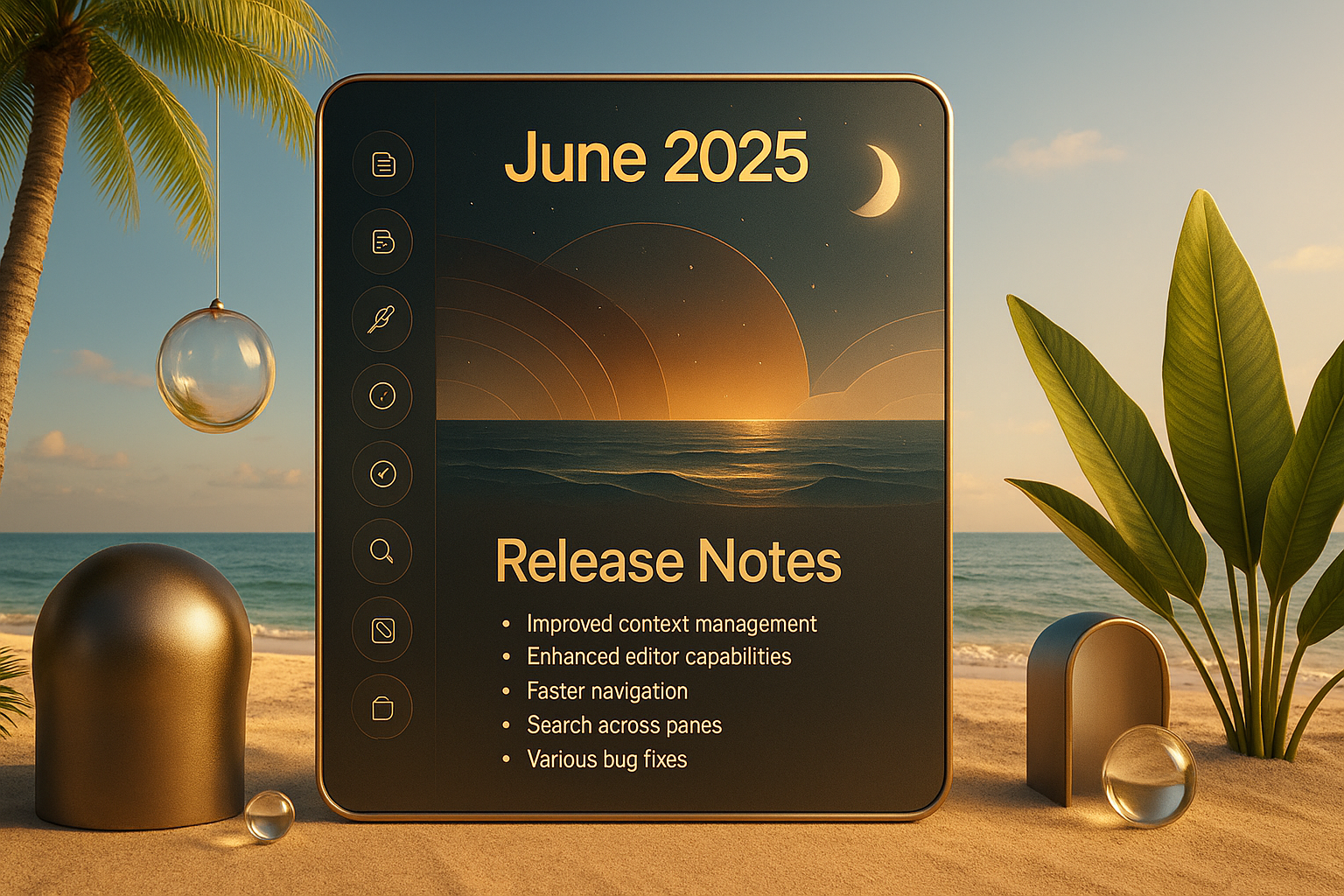
We’ve got a fresh new drop for you—packed with powerful context tools, smarter editing, faster navigation, and yes… plenty of bug smashing. This isn’t just a polish pass—it’s a full-on upgrade to how you interact with ABLE. Let’s get into it! 🔥
🧠 Context Management, Leveled Up 🧠
We continue to iterate and fine-tune how you move and manage content across contexts:
• Unpinned tabs now move smoothly in the background between contexts.
• Better stability and saving of Unpinned Tabs—now locked into the index.md file like a champ.
• PDF icons now show up properly in your context’s view. Clean, clear, and easy to spot.
📝 Editor Power Moves 📝
Creating and formatting content in ABLE just got way smoother:
• Type / to instantly choose a block type—no clicks needed.
• Paste an image link? BAM. It becomes an Image Block automatically.
• Full support for checklists, bulleted/numbered lists, and basic text formatting (bold, italics, headers).
• Drop in a Block Divider or Image Block with the + button.
• Web links are now easier to insert, edit, and manage inline.
• And yes—you can copy & paste blocks too (one at a time, but it’s a start!).
🧭 Navigation, Reimagined 🧭
• Activate any folder as a context just by typing its name in the address bar.
• Breadcrumbs are now visible in pages and in the autocomplete pop-up.
• Navigate through local files and pages like a pro.
🔍 Search finally here! 🔍
• From now you can use the address bar to search across panes with supercharged power.
• Hit CMD+F to search inside pane content—whether it’s a local doc or a live webpage.
⚡ Shortcuts Galore ⚡
• Full set of Editor shortcuts for fast editing.
• Browser shortcuts for smoother surfing.
• New shortcut to trigger Link to… from the Library or Sidebar. You’re gonna love that one.
📁 Files & Actions 📁
• Drag-and-drop to copy files like a boss.
• Local PDF viewing now fully supported.
• Right-click to reveal files in Finder/Explorer directly. Clean and easy.
💎 Quality of Life Upgrades 💎
• Zoom in/out on pages without changing the whole UI scale.
• Use “Move to…” to relocate pages, web pages, and files between contexts—effortlessly.
• Reopen closed tabs with CMD+Shift+T—yes, it works!
• Oh, and you can finally see a full shortcuts reference list inside the app.
🐛 Bug Fixes Galore! 🐛
You bet we squashed bugs. Highlights include:
• Fixes for camera and mic permissions.
• Unpinned tabs now remember their websites even after a restart.
• And dozens of smaller fixes to boost speed, stability, and snappiness.
And that’s a wrap for this packed release! Dive in, explore what’s new, and tell us what you think—we’re building ABLE for you, and your feedback keeps the fire going. 🔥
Your rockstar ABLE team 😁