✨ ABLE January 2026 Release Notes: New Year, New Powers
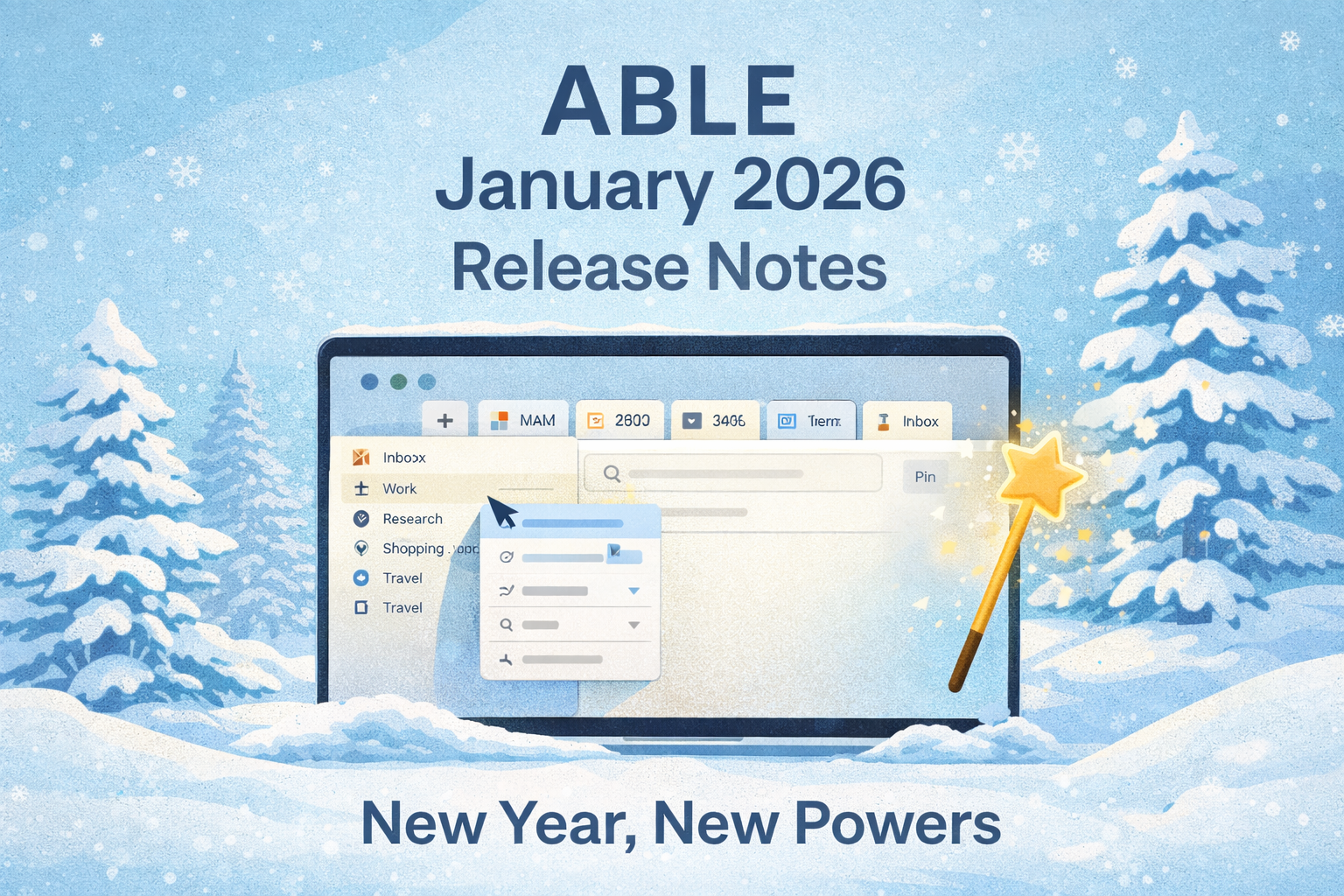
The new year has begun, and with it comes a release packed with some seriously satisfying upgrades. From smarter tabs to smoother context management, ABLE is leaner, quicker, and more visual than ever. Let’s take a tour of what’s new in your favorite productivity space.
🚀 New Features
Drag & Drop Website Tabs
Move website tabs directly from Unpinned Tabs into Inbox Views in the Library screen. Organizing on the fly just got easier.
Favicon Indicators for Pinned Tabs
Every tab now shows its tiny, shiny favicon, so your visual memory can take over.
Quick Add Web Link to Context Views
Just a few taps, and your favorite resources are exactly where they belong.
Local Image Support for Editor
You can now view, insert, and paste images into text blocks:
Drag in from disk or Vault
Paste directly from clipboard
Visual thinking? We’ve got you.
“Turn Into” in Editor Menu
Transform blocks with a click: turn a paragraph into a list, or text into a heading.
Create Contexts Wherever You Are
Add a new context directly from the Sidebar.
Duplicate Tabs Across Contexts
Need same tab in two contexts? Now you can duplicate it and send it over.
Hide/Show Sidebar
Minimalists, rejoice: Collapse the sidebar and enjoy your undiscructed focus.
Reveal in Finder/Explorer
One click to find your folders or contexts on disk — easy, intuitive, native.
🎯 Quality-of-Life Improvements
Pinned Tabs Got Smarter
Their behavior is now a bit more predictable and consistent. Bliss.
Zoom Zoom
Use CMD + Shift + /- to adjust your interface scale.
Adjust Sidebar Width
Resize sidebar sections to suit your flow. Precision feels good.
Quick Switch Between Contexts
Swap spaces in seconds. It’s like teleportation for your brain.
Scroll Position & Cursor Focus Remembered
Your writing flow now resumes exactly where you left it.
Auto-Expand Folders in Sidebar
Opening a context? Its folder contents reveal themselves. Magic.
Recognize & footer-show Links on Hover
Small touch. Big clarity.
🐞 Bugs? What Bugs?
Hundreds of them were hunted, squashed, and sent into the void. Your experience is smoother, faster, and cleaner than ever.
That’s it for this update!
Let us know what you think and what you’d love to see next —
We’re building this space for you.
— The ABLE Team