Show Current Vault + Manage Recently Opened Vaults on Vault Selection Screen (after welcome screen)
Problems:
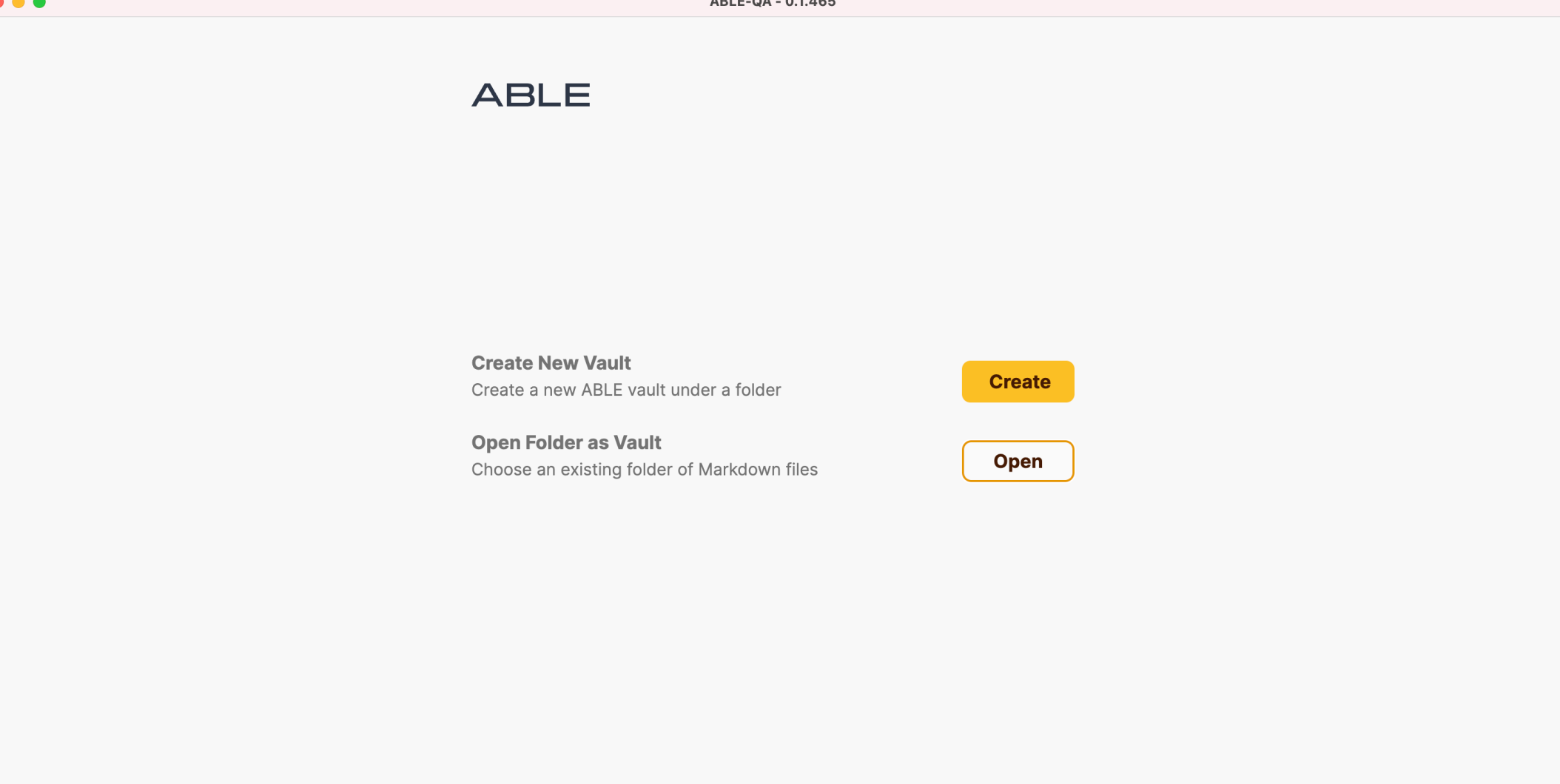
The vault switcher currently doesn’t indicate which vault is active.
There is no list of recently opened vaults, nor a way to manage (clean up) that history.
Proposed Improvements:
Show active vault in switcher UI
Visually highlight the currently open vault (e.g. checkmark, “(current)” label, or color differentiation).
Add list of recently opened vaults
Display a list of vaults the user accessed.
Allow users to manually remove items from this list (e.g. via right-click → “Remove from recent”).
Why it matters:
Improves orientation when working across multiple vaults.
Reduces confusion with similar or duplicate vault names.
Gives users more control over their workspace history.
Log in to comment and vote
Comments1
Carina A.
Aug 8, 2025
Plus add a “Back” option to exit the vault switcher
Currently, once the user enters the vault switcher screen, there is no way to go back to the previous view without opening or creating a vault.
A simple "Back" button or "Cancel" action would allow users to exit without making a selection.