Changelog

Follow new updates and improvements to ABLE.

January 27th, 2026

🎉 New Features

🐛 Bug Fixes

💐 QoL

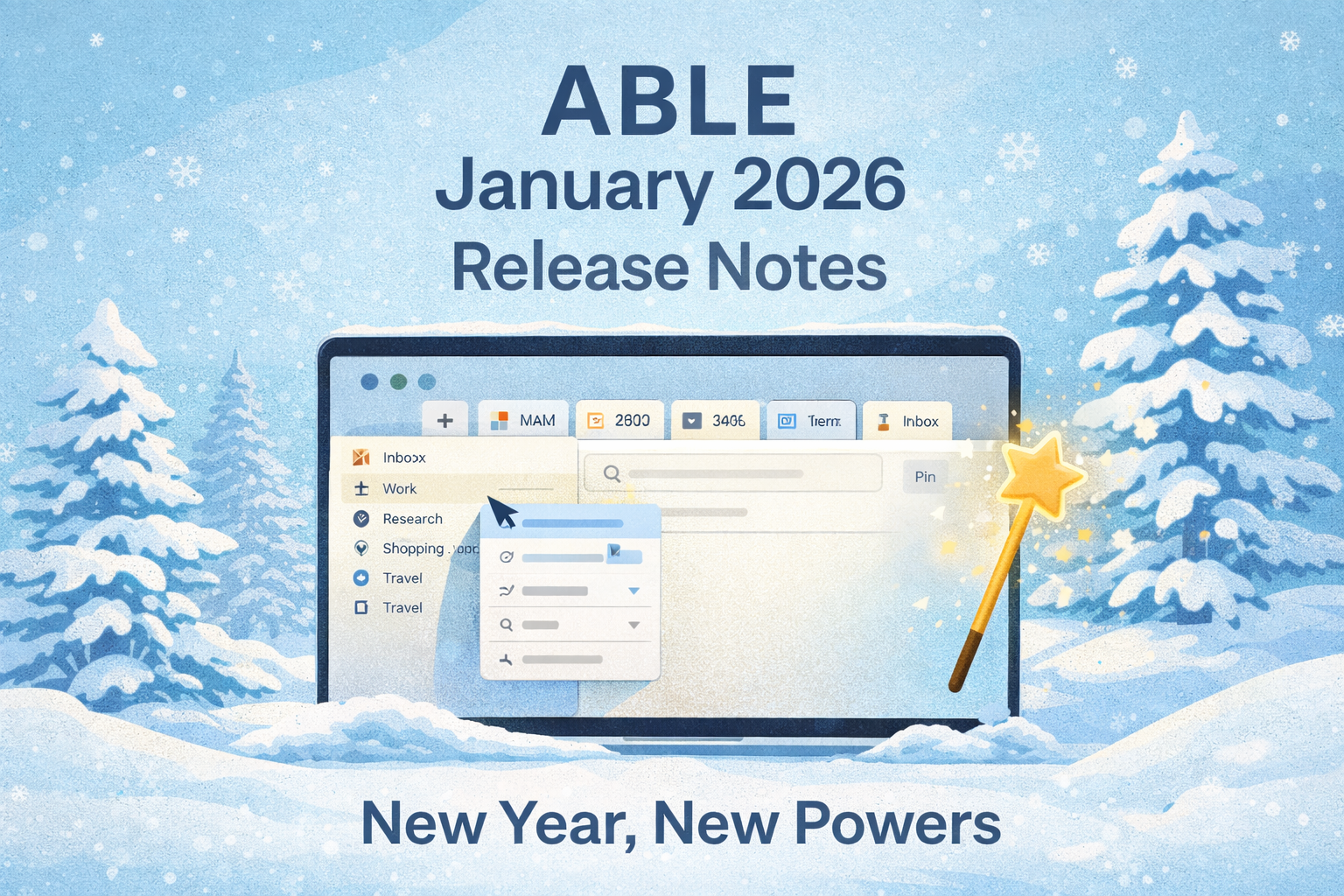
The new year has begun, and with it comes a release packed with some seriously satisfying upgrades. From smarter tabs to smoother context management, ABLE is leaner, quicker, and more visual than ever. Let’s take a tour of what’s new in your favorite productivity space.


🚀 New Features

  • Drag & Drop Website Tabs

    Move website tabs directly from Unpinned Tabs into Inbox Views in the Library screen. Organizing on the fly just got easier.

  • Favicon Indicators for Pinned Tabs

    Every tab now shows its tiny, shiny favicon, so your visual memory can take over.

  • Quick Add Web Link to Context Views

    Just a few taps, and your favorite resources are exactly where they belong.

  • Local Image Support for Editor

    You can now view, insert, and paste images into text blocks:

    • Drag in from disk or Vault

    • Paste directly from clipboard

      Visual thinking? We’ve got you.

  • “Turn Into” in Editor Menu

    Transform blocks with a click: turn a paragraph into a list, or text into a heading.

  • Create Contexts Wherever You Are

    Add a new context directly from the Sidebar.

  • Duplicate Tabs Across Contexts

    Need same tab in two contexts? Now you can duplicate it and send it over.

  • Hide/Show Sidebar

    Minimalists, rejoice: Collapse the sidebar and enjoy your undiscructed focus.

  • Reveal in Finder/Explorer

    One click to find your folders or contexts on disk — easy, intuitive, native.


🎯 Quality-of-Life Improvements

  • Pinned Tabs Got Smarter

    Their behavior is now a bit more predictable and consistent. Bliss.

  • Zoom Zoom

    Use CMD + Shift + /- to adjust your interface scale.

  • Adjust Sidebar Width

    Resize sidebar sections to suit your flow. Precision feels good.

  • Quick Switch Between Contexts

    Swap spaces in seconds. It’s like teleportation for your brain.

  • Scroll Position & Cursor Focus Remembered

    Your writing flow now resumes exactly where you left it.

  • Auto-Expand Folders in Sidebar

    Opening a context? Its folder contents reveal themselves. Magic.

  • Recognize & footer-show Links on Hover

    Small touch. Big clarity.


🐞 Bugs? What Bugs?

Hundreds of them were hunted, squashed, and sent into the void. Your experience is smoother, faster, and cleaner than ever.


That’s it for this update!

Let us know what you think and what you’d love to see next —

We’re building this space for you.

— The ABLE Team
September 25th, 2025

🛠️ Improvement

🐛 Bug Fixes

💐 QoL

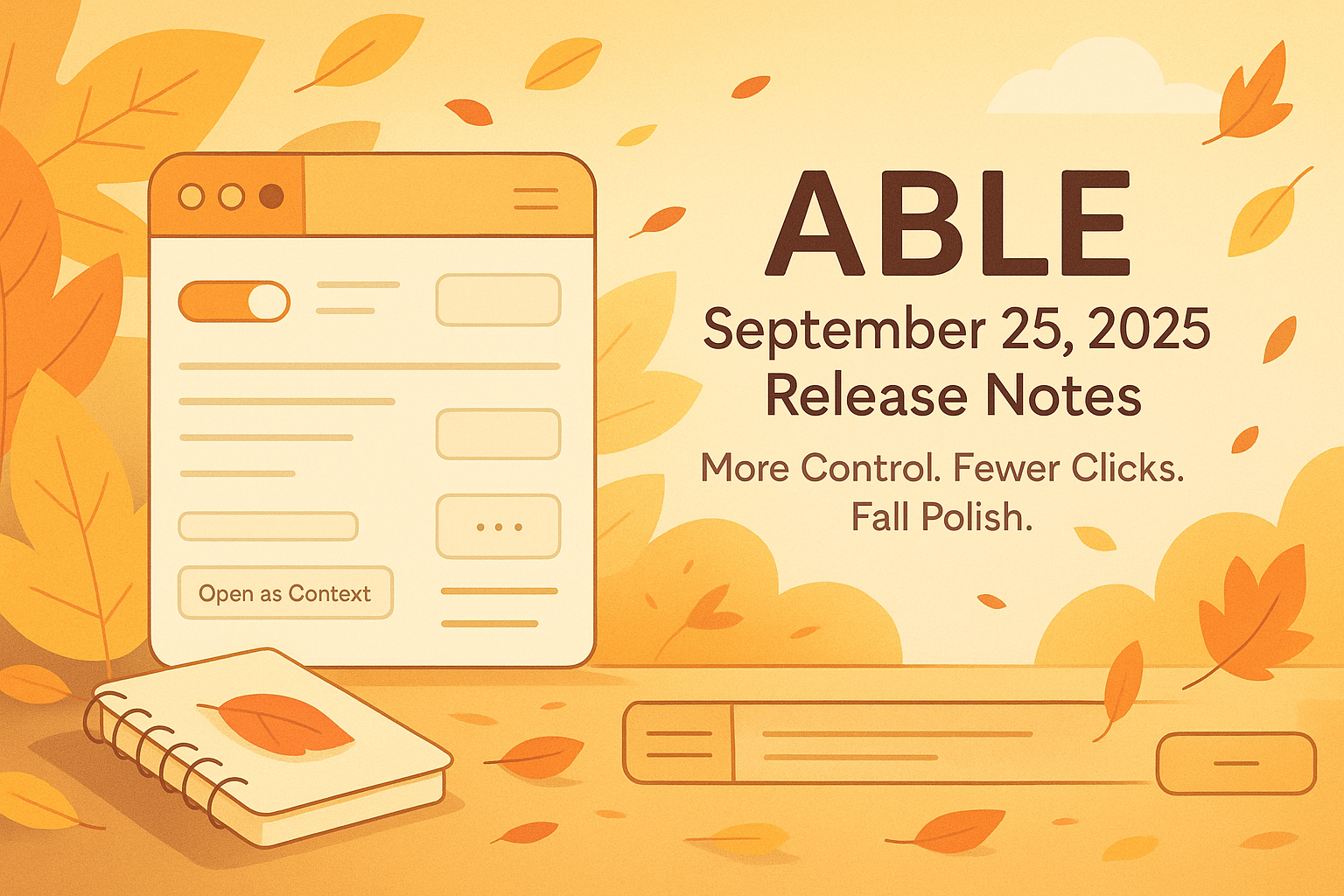
Small Things, Big Joys — More Control, Fewer Clicks, and a Touch of Fall Polish 🍁

Hello ABLE friends!

September is here, and with it comes a fresh wave of features, playful polish, and smart improvements — all designed to make your flow smoother, more intuitive, and dare we say, a little more fun.

Here’s what we’ve packed into this cozy autumn update:


✨ Improvements

  • Toggle Views in the Library

    Choose if you want to see the views (or if you don’t). The new toggle gives you more clarity and control.

  • Ellipsis Menus for Pages

    Finally! A compact menu for every page — just one click for actions like rename, duplicate, or delete.

  • Drag & Drop to Vaults and Contexts

    Drop your items straight into the root of Vaults or Contexts — fast, easy, intuitive.

  • Media Playing Indicators on Tabs

    See which tabs are playing audio or video at a glance — no more guessing who’s making noise.

  • Hovering over links now shows URLs (yey!)


🧹 Quality-of-Life Improvements

  • New Creation Menus (in Context & Library screens)

    A quick way to add items right where you need them, with fresh, clean menus.

  • Horizontal Divider in Context View

    Organize your views with a simple horizontal line and instant access to “Open as Context” or “Pin/Unpin”.

  • Sticky Breadcrumbs & Menus

    No more losing your way in a file. Breadcrumbs and context menus stay visible while you scroll.

  • Cleaner spacing between editor panes and blocks

  • Crisper, friendlier URL display across the app

  • Drag-and-drop just got smoother and smarter

  • Right-click menus now appear on empty areas too

  • Brand-new folder icons (empty vs. full!) + refined folder behavior

  • Updated shortcut for “Paste without formatting”

  • Breadcrumbs got a mini glow-up (yes, again!)

  • Inbox respects your folders — new items don’t get lost anymore


🐞 Bugs, Begone

  • PDF rename now keeps the extension (and opens correctly!)

  • PDFs opened via search no longer become Markdown goblins

  • CMD+Z doesn’t randomly delete your content anymore

  • Search modal stays open even if you open results in background

  • Tree elements behave nicely now when creating or renaming

  • Context menu-created items now land in the right place


That’s a wrap for September! 🍂

As always, your feedback helps us grow. Let us know what made your day easier — or what still needs a little love.

Happy creating,

— The ABLE Team 🚀

August 14th, 2025

🎉 New Features

🛠️ Improvement

🐛 Bug Fixes

💐 QoL

Smarter Blocking, Smoother Flow, Fewer Glitches

Hey ABLE users 👋

We’re back with another round of updates designed to make your digital workspace smarter, cleaner, and a lot more pleasant to use. This month we’re introducing a long-requested feature, some thoughtful quality-of-life improvements, and a satisfying list of bug fixes.

Let’s get into it 👇


✨ New Feature

🔇 Adblock (finally!)

You asked. We built it. Enjoy a cleaner web experience inside ABLE with our new built-in ad blocker.


🧠 Quality of Life Improvements

⌫ Delete Blocks with Backspace

Now you can quickly remove a block in the editor using the backspace key—just like you’d expect.

🧩 Unified View Icons

We’ve updated all view icons across the app for consistency and visual clarity.

🔗 Better Link Suggestions

When linking content to a view, website items now appear in the Suggestion Block to help you connect faster.

📐 Tighter Layouts

We’ve refined the spacing between the pane container and editor blocks—cleaner, sharper, more pleasant to work in.


🐞 Bug Fixes

  • ✅ YouTube progress bar now works—clicking to seek behaves as expected.

  • ✅ Views now properly appear in the Suggestion Block when linking with Option+L.

  • ✅ No more crashes when dragging a bulleted block into a higher position in another list.

  • ✅ Fixed weird scrolling behavior when returning to a site opened in a background tab.

  • ✅ Linking a folder no longer deletes its view with a web tab or wipes unpinned tabs.

  • ✅ “Paste” now inserts text into the right block, not the previous one.

  • ✅ Context menu “Paste” now correctly inserts clipboard content.

  • ✅ CMD+Click opens links in a background tab (as it should).

  • ✅ Pressing Enter in the address bar now shows the current URL instead of clearing it.

  • ✅ File and folder name validation is now consistent across creation and renaming.


That’s it for this round! As always, your feedback fuels everything we do—keep it coming.

Stay focused, stay sharp,

— Team ABLE ✨

July 31st, 2025

🎉 New Features

🛠️ Improvement

🐛 Bug Fixes

💐 QoL

Hello ABLE users! 🎉

We’re closing out July with one of our most feature-packed updates yet. This release brings powerful search enhancements, major upgrades to the Editor and Blocks system, and a smoother drag-and-drop experience. We’ve also introduced important quality-of-life improvements and crushed a mountain of bugs to make your workflow faster and more seamless.

Let’s dive in. 👇

🔍 Smarter Search

  • Search in knowledge base text (blocks in pages): Quickly find the exact content you need across all blocks within your pages.


✏️ Blocks & Editor Upgrades

  • Create basic blocks in the Editor: Build your pages faster with a more intuitive block creation flow.

  • Insert and edit web links in text: Easily add or modify links right within your content.

  • Support for lists (numbered & bulleted): Organize your notes with proper list formatting.

  • Text formatting tools: Bold, italic, and heading styles are now supported for richer document structure.


🖱️ Drag & Drop Enhancements

  • Drag & drop for pinning tabs: Simplify your workflow by pinning tabs directly via drag-and-drop.

  • Move folder tree elements into unpinned tabs: Organize sidebar views more intuitively with extended drag-and-drop support.

  • Context tree to view section drag & drop: Fixed cases where moves triggered toasts but didn’t complete.


🌐 Browser & Media Improvements

  • Disable autoplay for background videos: Tabs opened in the background no longer auto-play video content.

  • Camera and microphone support in web pane: Google Meet and other conferencing tools now work seamlessly inside ABLE’s built-in browser.

  • Expected browser shortcuts and functions: Expanded support for familiar browser commands to improve navigation.


🗂 File Management & PDF Reader

  • Internal file manager: Select locations in the library for opening, saving, copying, and moving files.

  • “Open in Finder / File Explorer”: Jump directly to files on your system from Library or Views.

  • New PDF Reader: View and manage PDFs directly inside ABLE without external tools.


⚡ Quality of Life Improvements

  • CMD/CTRL + R refreshes only the active pane: Prevents unintended app-wide refreshes.

  • YouTube full-screen support: Enjoy distraction-free playback directly within ABLE.

  • Shortcut to invoke “Link to” in Library and Sidebar: Faster content linking with fewer clicks.

  • Search text on page (CMD/CTRL + F): In-page search for both web content and page text.

  • Zoom per pane: Zoom individual pages without affecting the entire app interface.

  • View full shortcut list: Discover and learn all available keyboard shortcuts in one place.

  • Website suggestions in “Link to” block: When linking content to views, relevant websites now appear directly in suggestions for faster navigation.

  • Persistent tab titles after webview unload: Tab titles now remain visible even after 30 minutes of inactivity.


🐞 Bug Fixes

We’ve resolved numerous issues across the app, including drag-and-drop inconsistencies, browser pane search, and overall stability improvements.


Why this matters

This update lays the groundwork for a more powerful and flexible ABLE—from deep search across your knowledge base to richer editing and formatting tools and smarter file management. Whether you’re researching, writing, or organizing contexts, ABLE is now faster, smoother, and more capable than ever.

As always, your feedback is invaluable—let us know what you think and what you’d love to see next. Enjoy the new updates! 🚀🔥

July 2nd, 2025

🎉 New Features

🛠️ Improvement

🐛 Bug Fixes

💐 QoL

What’s up, ABLE users? 😎

We’ve got a fresh new drop for you—packed with powerful context tools, smarter editing, faster navigation, and yes… plenty of bug smashing. This isn’t just a polish pass—it’s a full-on upgrade to how you interact with ABLE. Let’s get into it! 🔥

🧠 Context Management, Leveled Up 🧠

We continue to iterate and fine-tune how you move and manage content across contexts:

• Unpinned tabs now move smoothly in the background between contexts.

• Better stability and saving of Unpinned Tabs—now locked into the index.md file like a champ.

• PDF icons now show up properly in your context’s view. Clean, clear, and easy to spot.

📝 Editor Power Moves 📝

Creating and formatting content in ABLE just got way smoother:

• Type / to instantly choose a block type—no clicks needed.

• Paste an image link? BAM. It becomes an Image Block automatically.

• Full support for checklists, bulleted/numbered lists, and basic text formatting (bold, italics, headers).

• Drop in a Block Divider or Image Block with the + button.

• Web links are now easier to insert, edit, and manage inline.

• And yes—you can copy & paste blocks too (one at a time, but it’s a start!).

🧭 Navigation, Reimagined 🧭

• Activate any folder as a context just by typing its name in the address bar.

• Breadcrumbs are now visible in pages and in the autocomplete pop-up.

• Navigate through local files and pages like a pro.

🔍 Search finally here! 🔍

• From now you can use the address bar to search across panes with supercharged power.

• Hit CMD+F to search inside pane content—whether it’s a local doc or a live webpage.

⚡ Shortcuts Galore ⚡

• Full set of Editor shortcuts for fast editing.

• Browser shortcuts for smoother surfing.

• New shortcut to trigger Link to… from the Library or Sidebar. You’re gonna love that one.

📁 Files & Actions 📁

• Drag-and-drop to copy files like a boss.

• Local PDF viewing now fully supported.

• Right-click to reveal files in Finder/Explorer directly. Clean and easy.

💎 Quality of Life Upgrades 💎

• Zoom in/out on pages without changing the whole UI scale.

• Use “Move to…” to relocate pages, web pages, and files between contexts—effortlessly.

• Reopen closed tabs with CMD+Shift+T—yes, it works!

• Oh, and you can finally see a full shortcuts reference list inside the app.

🐛 Bug Fixes Galore! 🐛

You bet we squashed bugs. Highlights include:

• Fixes for camera and mic permissions.

• Unpinned tabs now remember their websites even after a restart.

• And dozens of smaller fixes to boost speed, stability, and snappiness.

And that’s a wrap for this packed release! Dive in, explore what’s new, and tell us what you think—we’re building ABLE for you, and your feedback keeps the fire going. 🔥

Your rockstar ABLE team 😁

January 29th, 2025

🎉 New Features

🛠️ Improvement

🐛 Bug Fixes

💐 QoL

Disclaimer: This post was written using ABLE!

Hello ABLE users! 🎉

We’re kicking off 2025 with a major update packed with exciting UI enhancements, improved drag-and-drop functionality, and critical bug fixes to make your experience smoother and more intuitive. Let’s dive into what’s new! 👇


✨ States, UI Blocks, and State Combinations

🔧 Enhanced UI Customization

Say hello to a more flexible and pleasant work! We redesigned the UI of some Editor blocks, giving you more control over your workflow and layout. Whether it’s fine-tuning your content organization or optimizing how you interact with elements in Editor, it is now more pleasant than ever.

📢 Smarter Toast Notifications for Drag & Drop Actions

We’ve added new toast notifications to keep you informed about your actions:

  • Instant confirmation when moving items from one view root to another within the same tree.

  • Clear alerts when dragging items from unpinned tabs into a sidebar view.

  • Updated messaging when changing the output order between views.

  • Visibility enhancements when moving items into a folder’s content on the Library screen.

  • More clarity when transferring items from a sidebar view into unpinned tabs.

These notifications ensure you always know where your content is going, reducing confusion and improving your workflow. 📌

🏗️ Streamlined Block Management

We’re making it easier than ever to create and manage content:

  • 🚀 Cleaner interface: Removed Image and Divider elements from the new block addition menu.

  • Faster block creation: Use the “+” button to add new blocks seamlessly.

  • 🖱️ Click to create: Click on an empty space on the page to instantly generate a block.

  • 🎛️ Easier reordering: The new "6 dots" menu allows for smooth block adjustments.

🌐 Improved Popup Behavior

Enjoy a smoother browsing experience with refined popup interactions on websites. 🔄


🛠️ Drag & Drop Features: Even More Power and Flexibility

Drag-and-drop just got a serious upgrade! Here’s what’s new:

🔀 Expanded Drag & Drop Capabilities

Move pages within the folder tree on the Context Screen.
Transfer views between Inbox tree elements on the Library screen.
Drag & drop elements from sidebar views into folder content in the sidebar.
Reposition nested folders within Inbox tree elements.
Organize websites and pages within folder content in the sidebar.
Move elements between folders and views for a smoother structure.
Transfer websites and pages seamlessly between different tree structures.

🔄 More Control Over Content Organization

With enhanced drag-and-drop flexibility, you can now rearrange root elements, nested folders, and website entries within the Context Screen, Library Screen, and Sidebar—all with intuitive placement and structure. This makes organizing your workspace easier than ever! 💡


🐞 Bug Fixes: More Stability, Fewer Issues

We’ve addressed some critical bugs to ensure a smoother ABLE experience:

🔹 Sidebar Trees: Action buttons are now fully functional. No more unresponsive clicks! ✅

🔹 Application Builds: Fixed an issue where builds wouldn’t pass on the first attempt, ensuring a smoother development process. 🏗️

🔹 Website Drag & Drop: Resolved an issue where websites would disappear when moved to certain locations. Your content stays where you need it! 🌍


🎯 What This Means for You

More intuitive UI design → Create a workspace that works for you.
Improved feedback with toast notifications → No more second-guessing your actions.
Enhanced drag-and-drop functionality → Organizing content has never been easier.
Critical bug fixes → A smoother, more reliable ABLE experience.

These updates are all about giving you more control, improving usability, and making sure ABLE works seamlessly for your needs. We’re excited for you to try them out! 💙

As always, your feedback is invaluable—let us know what you think and what you’d love to see next. Enjoy the new updates! 🚀🔥

December 27th, 2024

Disclaimer: This post was written using ABLE!

ABLE’s 2024 Year in Review celebrates a year of transformation! 🌟 This year, we introduced powerful concepts like Contexts and Views for organizing your life the wait it really works, and a Local First architecture to keep your data secure and entirely under your control.

We’ve focused on making ABLE a flexible, user-friendly platform that grows with you—turning complexity into clarity. 🚀

Looking ahead, 2025 is about going even further: smarter context management, deeper collaboration, and tools that truly work the way you think.

✨ Read the full story and get inspired: ABLE 2024 Year in Review

December 27th, 2024

🎉 New Features

🛠️ Improvement

🐛 Bug Fixes

💐 QoL

🚀 Latest Update: Powering Up Contexts and UX 🚀

Disclaimer: This post was written using ABLE!

ABLE users, we’re back with another update — one that gives you more control, flexibility, and power to shape your workspace exactly the way you need it. Whether it’s managing contexts, reorganizing your sidebar, or sharing setups with others, this release is all about giving you tools that reflect how you think and work.

Let’s explore what’s new!

🌟 Contexts Import/Export: Share Your Way of Thinking

Your contexts are more than just data—they’re your knowledge, workflows, and ideas, all interconnected. Now, ABLE allows you to export and share these setups effortlessly.

Have you built a perfect workspace for a project? Found an efficient setup online that you love? Simply export it—files, views, links, tabs and all—and share it with colleagues, friends, or your future self. The recipient can import it with a quick drag-and-drop into his vault folder, instantly recreating the exact environment you designed.

Contexts in ABLE are no longer just personal. They’re collaborative, reusable, and portable—tools you can share, refine, and adapt over time.

🧩 Intuitive Drag & Drop: Shape Your Workspace

Managing information should feel as natural as moving objects on your desk. With ABLE’s enhanced Drag & Drop, you can organize your sidebar and tabs intuitively, transforming the way you interact with your workspace.

📂 Move Elements Into Unpinned Tabs

Now, you can grab websites, pages, documents or entire folders from the sidebar and drop them straight into the unassigned tabs area.

• If the item was active, the new tab comes to life instantly.

• If it wasn’t, it settles quietly, waiting for when you need it.

This small, seamless action reflects exactly how you think and work—direct and uninterrupted. Organize as you go, keeping your workspace clean and focused.

🔄 Reorder Elements Within Sidebar Views

Your sidebar isn’t just a list of items—it’s your personal space. Now, you can reorder elements within any sidebar context view:

• Move a website tab to any place for quick access.

• Organize folders by priority or workflow stage.

It’s as simple as drag, drop, and done. Changes are saved instantly, ensuring your sidebar always matches your focus.

🗂 Move Elements Between Sidebar Views

Ideas grow, change, and connect, and your workspace needs to keep up. ABLE now allows you to move elements between different context views.

• Unpin items from one view and drop them exactly where you need them in another.

• Websites, pages, documents or folders adapt to their new place seamlessly.

This flexibility empowers you to organize across projects and spaces without losing clarity. Your sidebar evolves as your ideas do.

⚡ Faster, Smarter Browsing

We’ve upgraded Electron to make browsing faster, smoother, and more reliable. Whether you’re working with a dozen tabs or a hundred, ABLE ensures your experience remains snappy and responsive.

And it’s the little things that make a big difference:

Better Favicons Display: Crisp, clear website icons make tabs easier to scan.

More Control Over Links: Open new pages exactly where you want them for a cleaner flow.

Browsing isn’t just about speed. It’s about control and clarity—and ABLE delivers both.

🖱 Context Menus: Fast Actions at Your Fingertips

Context is everything, and so are quick actions. With the addition of context menus, you can right-click directly on:

Contexts Screen to quickly manage or organize your saved contexts.

Library Screen to interact with files and folders seamlessly.

These menus are designed to eliminate unnecessary steps and give you instant access to what you need, when you need it.

🐛 Bug Fixes and Polish: A Smoother Experience

No update is complete without squashing bugs, and this one’s no exception. We’ve made ABLE faster, more stable, and more enjoyable to use with numerous fixes and subtle refinements across the app.

From small glitches to performance improvements, we’ve worked hard to ensure that your experience is smoother, more predictable, and free of distractions.

✨ ABLE: Your space, Your Flow

This update isn’t just about features—it’s about giving you the freedom to shape your workspace exactly how you want it. Move elements naturally, export your contexts for sharing, and enjoy a faster, more polished experience.

ABLE is here to adapt to you: your projects, your workflows, and your ideas. Whether you’re deep in research, managing a team project, or simply organizing your digital life, ABLE keeps up with you every step of the way.

Thank you for being a part of this journey. Your feedback drives our innovation, and we’re just getting started. Let us know what you think—we can’t wait to see how you use these new tools to make ABLE truly yours.

Stay inspired. 🚀

The ABLE Team

P.S. Starting with this release we will try to ensure to keep a constant pace of updates, so it'll be more organised and predictable.

October 28th, 2024

🎉 New Features

🛠️ Improvement

🐛 Bug Fixes

Disclaimer: This post was written using ABLE!

Long time since the last update, ABLE users? Well, the wait is over! 😎

Today, we’re rolling out a massive update that takes your ABLE experience to a whole new level. With powerful new tools and a smooth, upgraded interface, managing your digital spaces just got easier and smarter. Let’s dive into what’s fresh and fantastic in this release!

🌟 Major Update: Knowledge Base Overhaul and Context Sharing! 🌟

This release brings a complete transformation to how you organize and protect your data. We’ve redesigned the folder and file tree structure to pave the way for a future files database, making everything cleaner and more efficient. The highlight? Your knowledge base is now built on a file/folder system with markdown support. All your data is saved as markdown files, giving you total freedom to access it anywhere, edit it in other markdown apps, and back it up to local or cloud storage.

With Multi-Vault capabilities, you can create unlimited folders that act as individual vaults—perfect for separate projects or personal/professional organization. And the file structure on your computer mirrors ABLE’s layout, so it’s as intuitive as it gets!

And here’s the real game-changer: Custom Contextual Views. You can now create, save, and export your contextual views, organizing them as you like. Want to share your context setups with others? Just zip the relevant folder in your OS, and it’s ready to go. Importing them into your app is just as easy - copy/unzip to desired location of your vault and you're ready to go. This feature opens up a new world for creating and sharing templates of contexts—perfect for collaborative work or personalized setups!

🌟 Feature Lineup You’ll Love 🌟

We’re not stopping there; here are a few more tools to make your ABLE experience even better:

Website Load Indicator: Instantly know when a page is ready, keeping you in the loop.

Open Links in the “Right” Pane: Gain more control over where links open to keep your workflow uninterrupted.

Pin Tabs to the Sidebar: Keep your key tabs just a click away with easy sidebar pinning.

🐛 Fixes and Quality of Life Improvements! 🐛

No update is complete without some polish:

Sidebar Revamp: A fresh, streamlined sidebar for smooth navigation.

Updated “Views” Experience: Your last positions, open tabs, files, and folders are now saved so you can pick up right where you left off.

Better Compatibility: Resolved issues with a few websites for seamless browsing.

Added Quick Actions Buttons: Small changes with big impact on usability.

And that’s a wrap on this powerful update! With these new tools and a host of quality improvements, ABLE is more flexible, intuitive, and capable than ever.
And from now on we promise that we will roll out new updates and features on a much more frequent basis. Let us know what you think—your feedback helps us keep ABLE at the top of its game. 😁

May 13th, 2024

Disclaimer: This post was written using ABLE!

Long time since the last update, ABLE users? So here's a new one!😎

Today, we're dropping a new stellar update to our context-management powerhouse that we're building for you—ABLE! This time, we're not just tweaking the little things but revolutionizing how you manage your digital environments. Let’s jump right into the details of this game-changing release!

🌟 Major Feature Alert: A New Way to Manage Contexts 🌟

We're thrilled to introduce a groundbreaking New Context Management Approach. This feature is designed to transform how you sort, access, and utilize information in your workflow and in your knowledge base. With this new concept, managing your contexts, projects and knowledge just got much smarter and more intuitive. It's all about getting your information to work for you in the most efficient way possible!

🌟 Revamped and Ready to Go 🌟

Alongside our major feature, we've also given our Knowledge Base Structure and Sidebar Navigation a major facelift. Now featuring Contexts Grouping and Custom Contextual Views, this upgrade allows for a more organized and seamless interaction with your data stacks. Prepare to navigate through your knowledge with unparalleled ease!

🐛 Bug Fixes Galore! 🐛

What’s an update without some quality bug-squashing?

- Tab Memory: Say goodbye to the frustration of losing your tabs and history after a crash or quit. We’ve got you covered!

- Auto-updater Enhancements: Keeping your app updated is now smoother and more reliable—no intervention required.

- Enhanced Tab Groups and Favorites: Organize your tabs and bookmarks within your knowledge base like never before. Tailor your ABLE experience to fit your unique style.

🌟 Quality of Life Improvements 🌟

With over 300 bugs sent packing, your interaction with ABLE will be slicker and more stable. Enjoy the smoothest, most responsive experience yet as you say goodbye to those pesky glitches.

That’s our rundown for this electrifying update! Dive in, explore the new features, and don't hesitate to let us know what you think. Your insights drive our innovation, and together, we'll keep making ABLE the best it can be. 😁